Drag to pan and scroll to zoom. Arrow keys pan, plus and minus zoom, 0 fits the whole canvas, Home returns to the start, the square bracket keys step through the reading path, and comma and period (or PageUp and PageDown) switch canvases.
Start and the tour
Amazing OS, explained
Start
A tour of the workspace
Tour
Documents and design
Documents
Who it is for
Who
Three ideas hold it together
Ideas
What you can do with it
Do
Your files stay yours
Files
See it live
Live
Build the site, row by row
Build
Switch features on, per brand
Modules
Show the work
Portfolio
The Studio
Studio
The component library
Library
The public side
Public
The shapes it fits
Shapes
What it is not
Not
Where it runs
Runs
hubWorkspace

Local-first
mapRead
Source: the Amazing OS profile, captured 2026-09-20
domainEntities
extensionModules
groupUsers
webBuild
starShow
request_quoteRun
event_notePlan
slideshowMake
monitor_heartStay
publicPublish
folder_openDatabase
imageA folder of records
The default site: portfolio, articles, this board.
A second entity on its own domain, same workspace.
The third entity, the consulting practice.
The other public board: how the agent layer works.
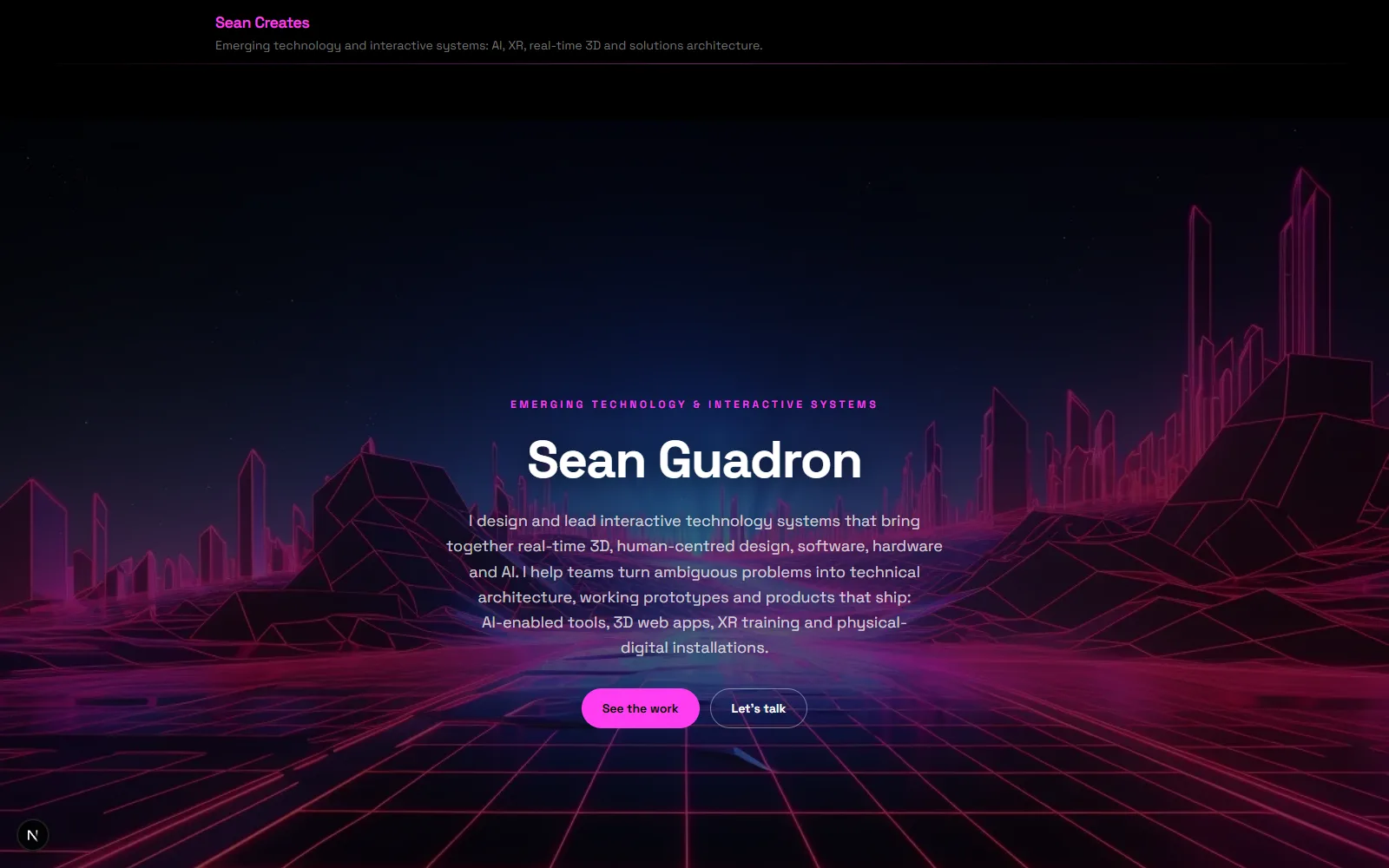
dashboardCockpit
photo_libraryScreenshots
Screenshots: the running admin and the public site, 2026-09-20
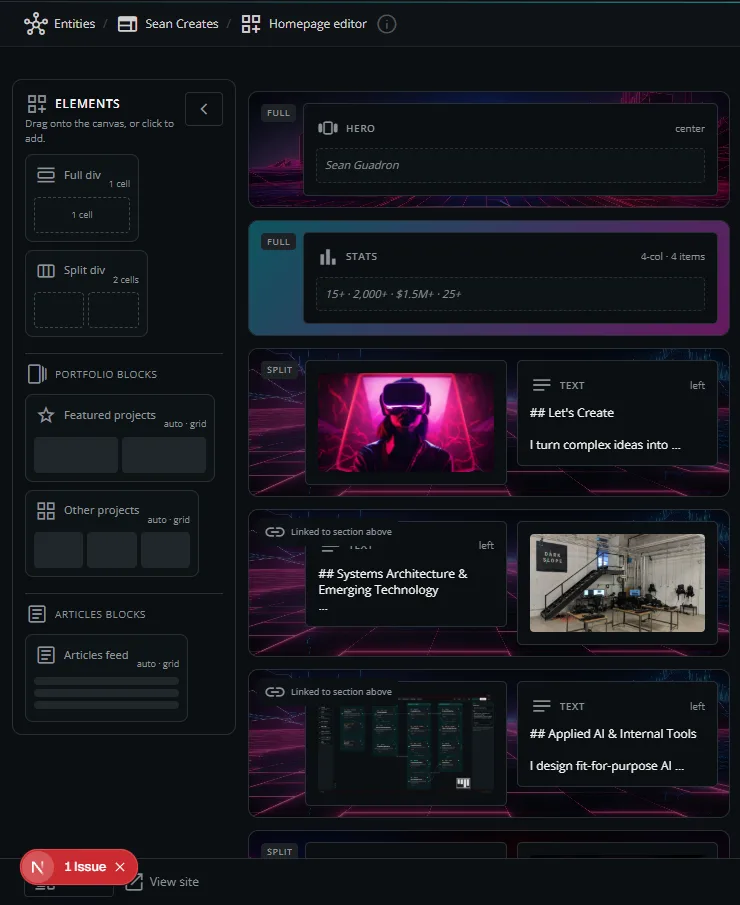
webRows
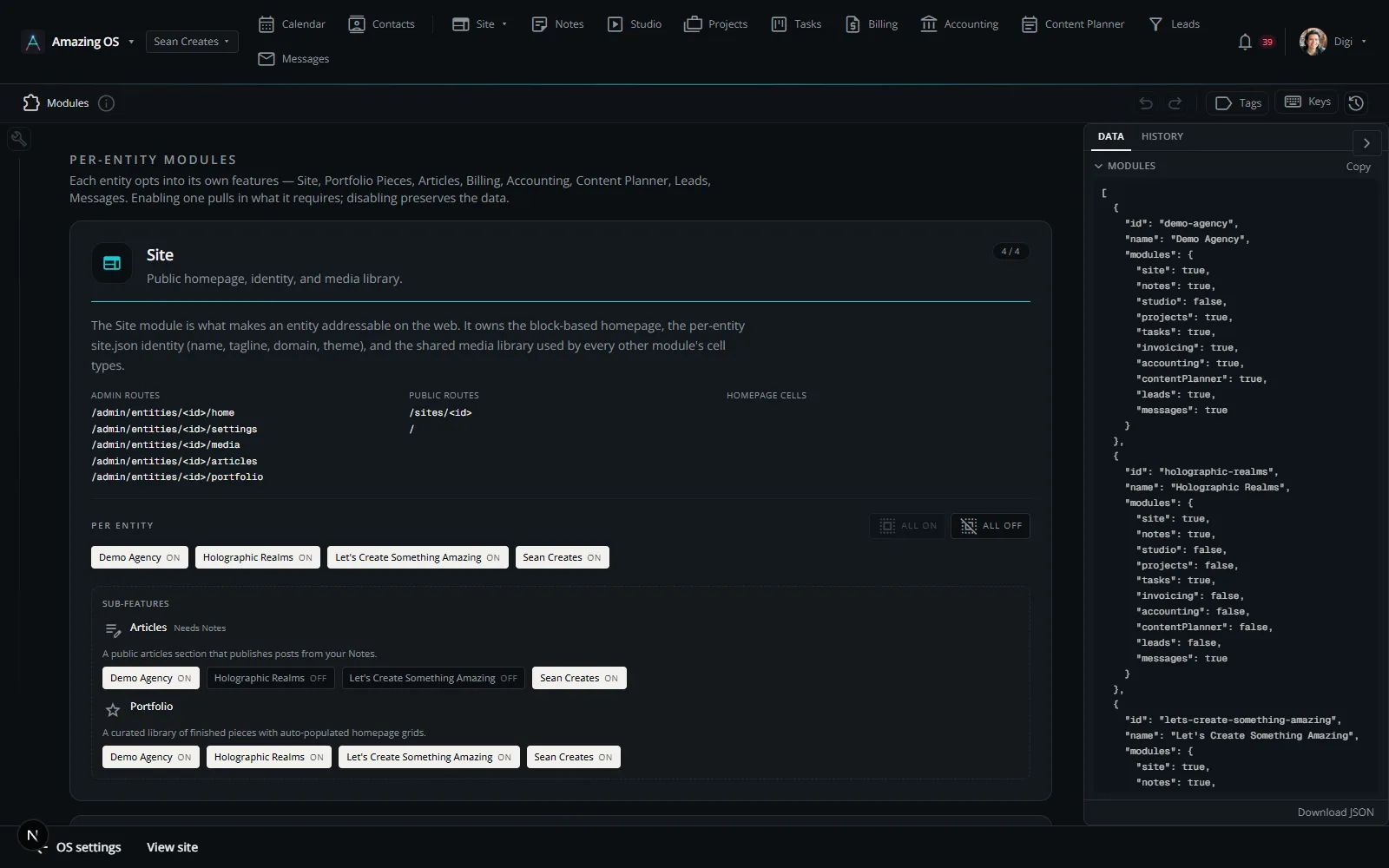
extensionModules
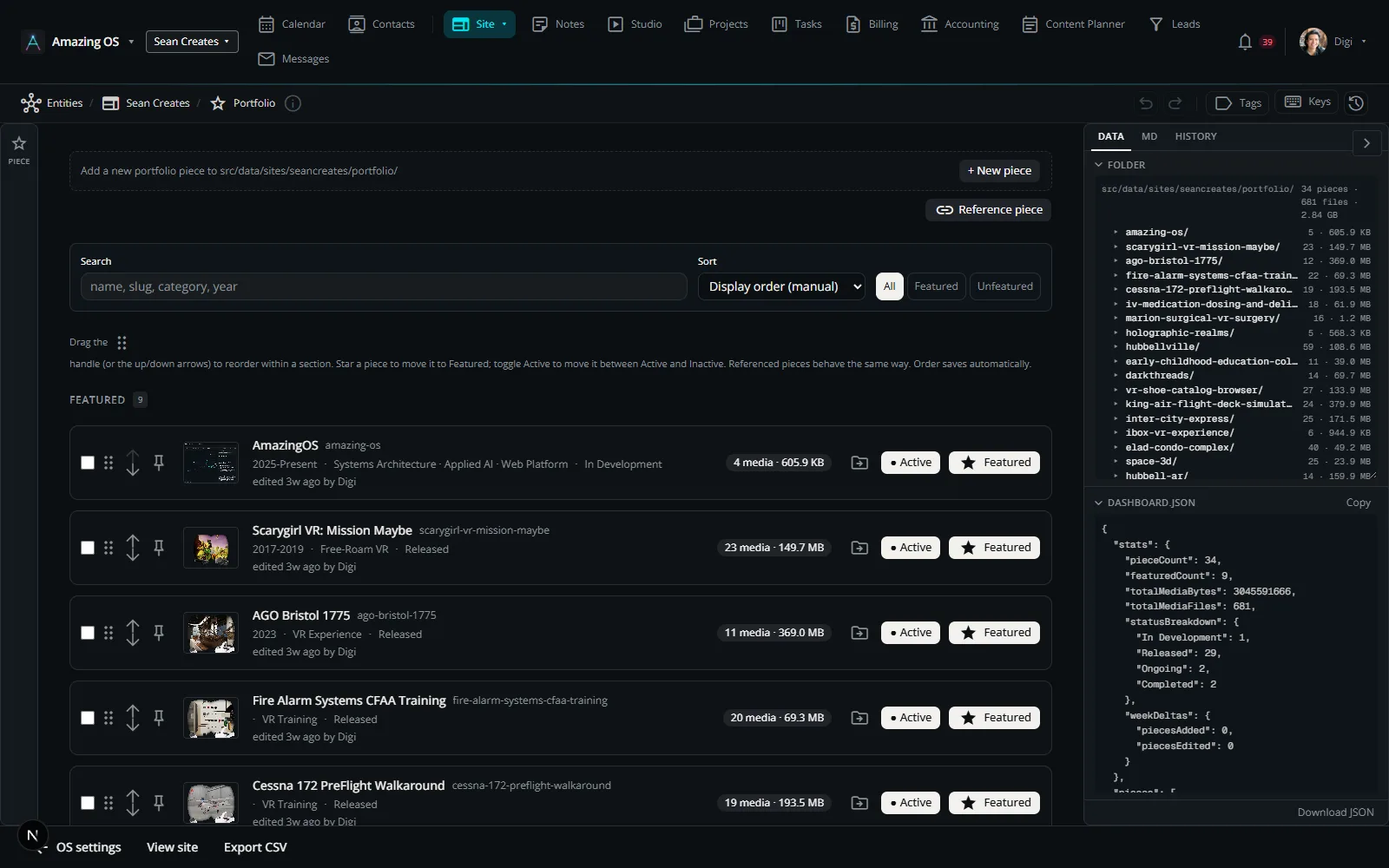
starPortfolio
slideshowDocuments
paletteLook
Screenshots: the Studio and the component library, 2026-09-20
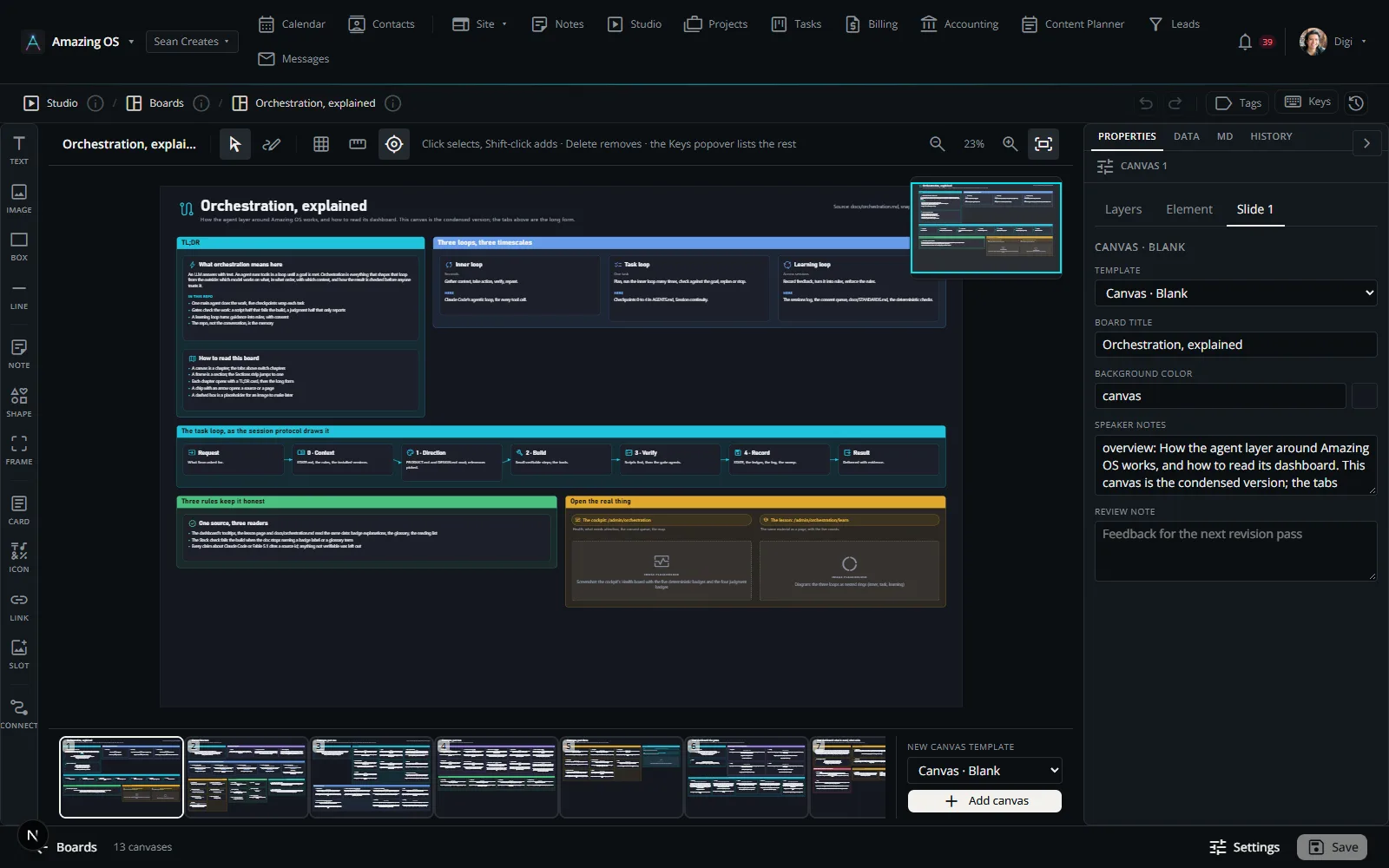
Four kinds of record
What you see here: the editor open on the other public board: canvases along the bottom, tools on the left, the properties of the selected object on the right.
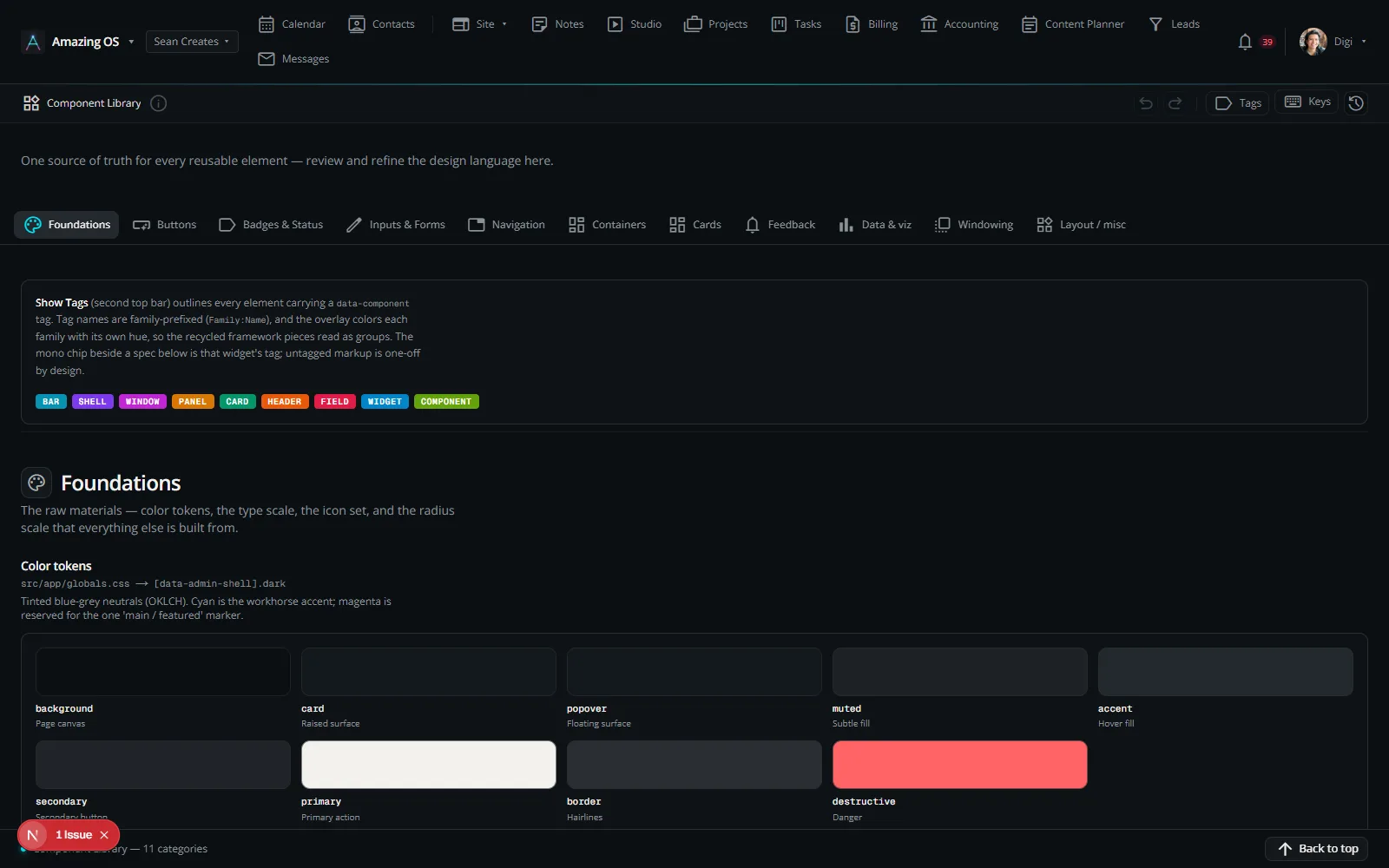
widgetsLibrary
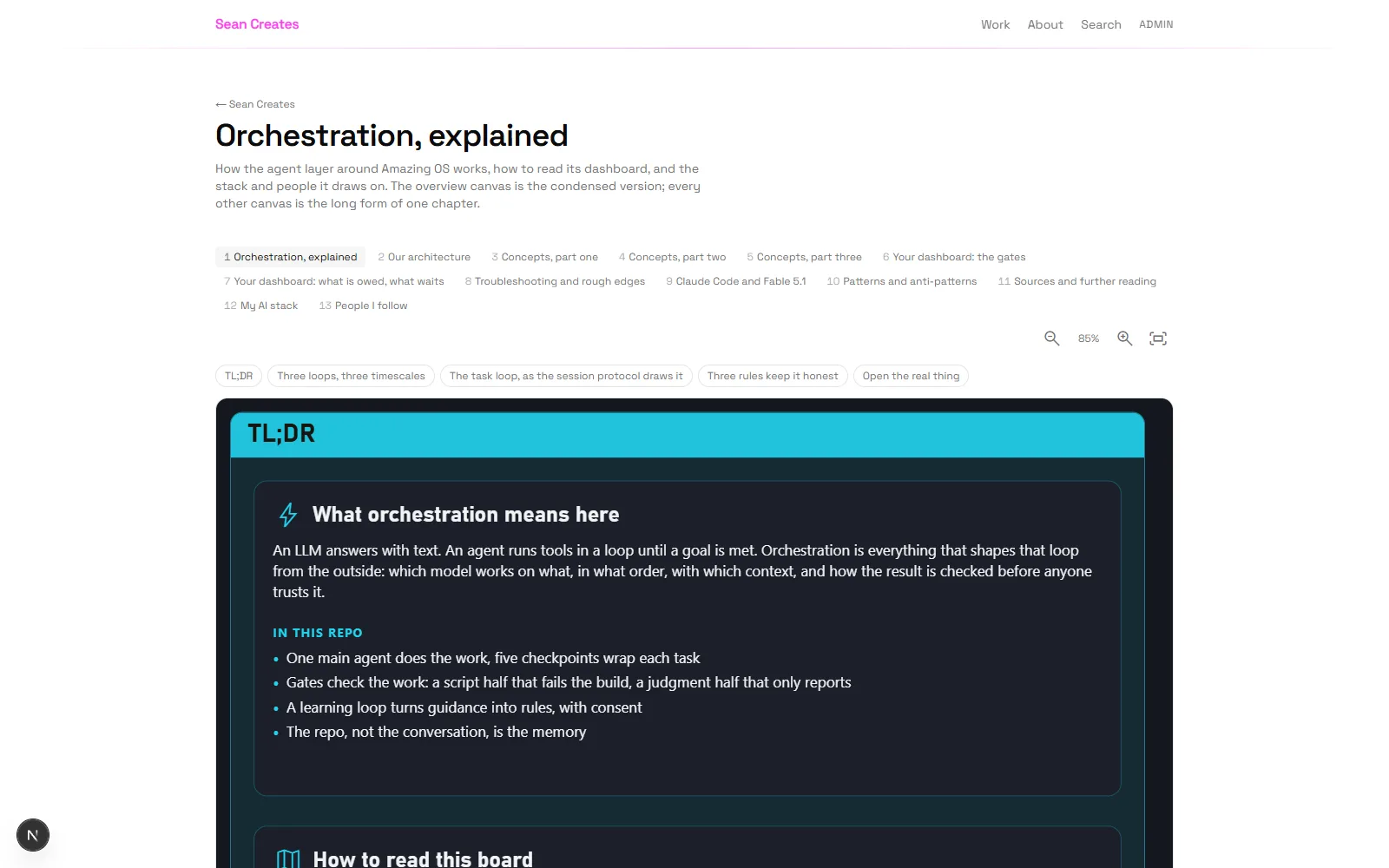
publicPublished
personOperator
fact_checkHonest
Source: the profile's Identity and Boundaries
brushCreative
storefrontBusiness
co_presentConsultant
folder_openMaker
fact_checkPortraits
imageFour workbenches
blockBoundaries
cloud_doneLocally